Training is a crucial and essential component for all faculty members. Bryan expects faculty to complete at least 1 in-service trainingduring the academic year (June 30-July 1). There are a variety of options ranging from webinars to self-paced courses. If you have any questions, please get in touch with the Faculty Success Manager (Valerie Akbulut). If you are unsure if you have already completed one of the options below, please contact the Faculty Success Manager.
Webinars
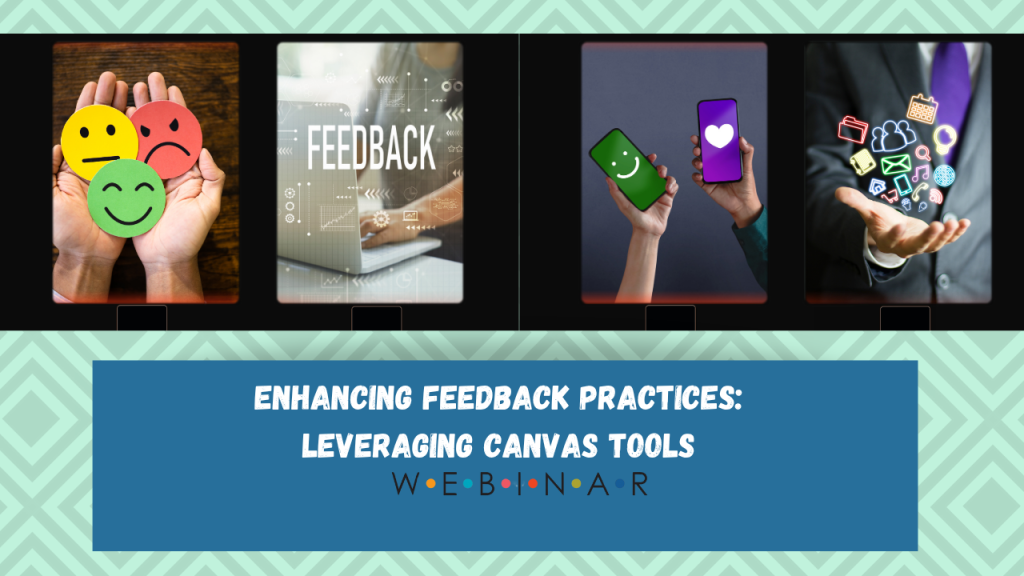
All webinars are located in Canvas under the course “BU Webinars”. You can access the recordings at any time and complete the associated activity for credit. Click here to learn how to access BU Webinar Course.
Step 1: Log into Canvas Go to Canvas and sign in with your account.
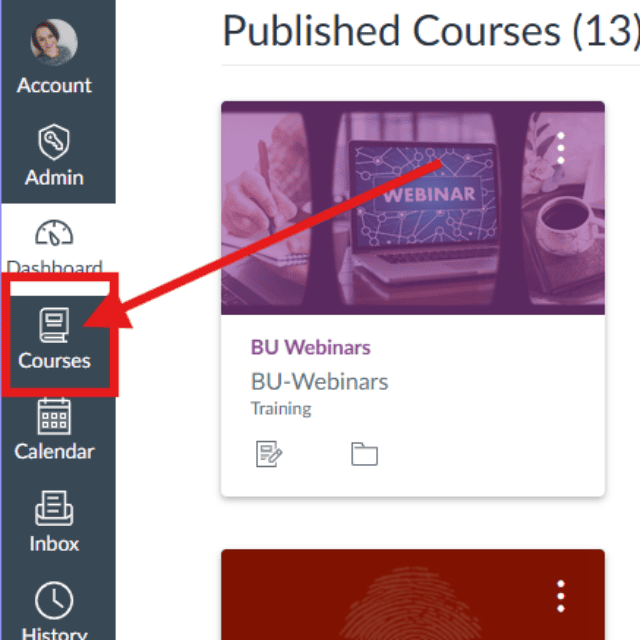
Step 2: Go to Courses Click on Courses in the main navigation bar.
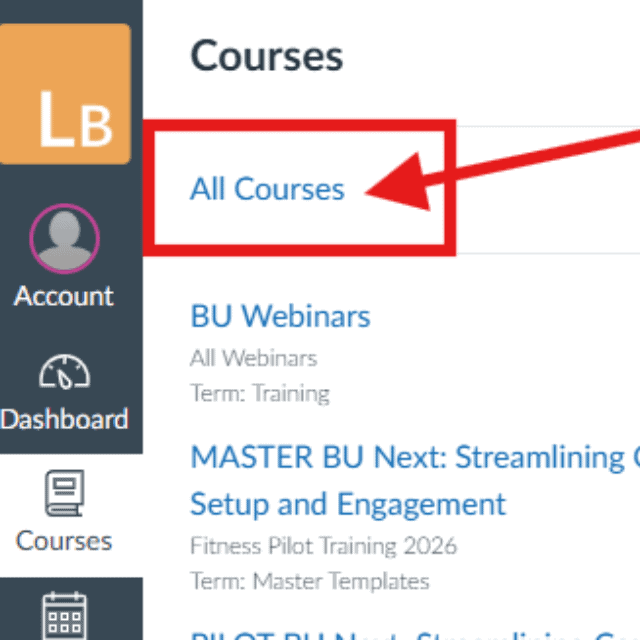
Select “All Courses” From the dropdown, choose All Courses.
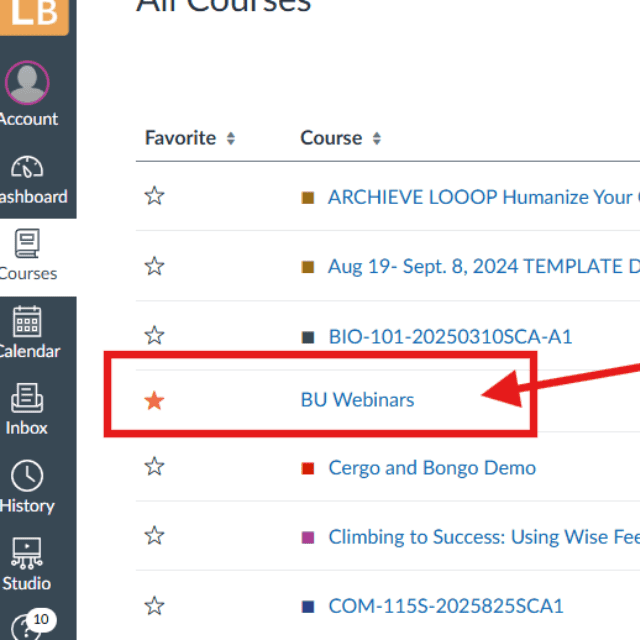
Find the BU Webinar Course
Scroll through the list or
Press Ctrl + F (Windows) or Command + F (Mac) and search for “BU Webinar”
Step 3: Add to Dashboard Click the star icon next to the course name to mark it as a favorite—this will make it appear on your dashboard for easy access.
Step 4: Open the Course Click on the course name to enter and access the webinar.
Copyright 2025 | Bryan University | 350 West Washington Street, Tempe, AZ 85281
Copyright 2025 | Bryan University | 350 West Washington Street, Tempe, AZ 85281