Welcome Announcement Template

Bright welcome announcement with school supplies and colorful stationery for new students.

Creating a warm and informative welcome announcement is one of the most important ways to set the tone for your course and connect with your students from day one. Whether your course includes live sessions or is fully asynchronous, the templates on this page will help you craft a message that is clear, engaging, and supportive. Use the ready-made templates provided, or follow the customizable checklist to create your own personalized welcome. Let’s help students feel informed, connected, and ready to succeed!

Template 1: With Live Sessions

➡️Use this template if your course includes scheduled Zoom sessions. Customize the placeholders in bold or [brackets] with your own course information.

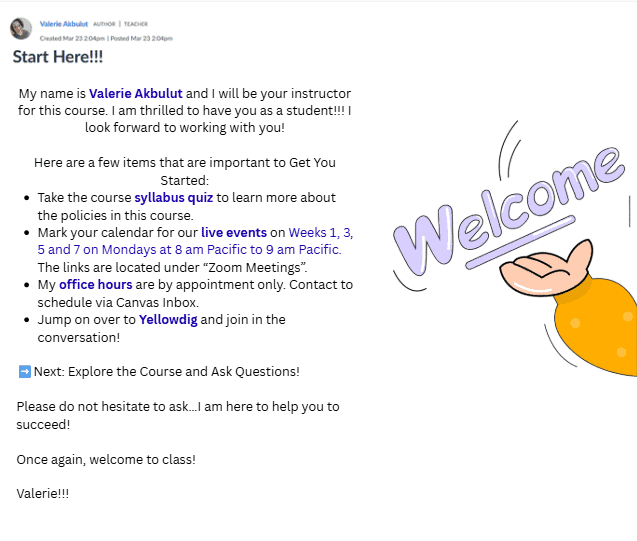
My name is first and last name and I will be your instructor for this course. I am thrilled to have you as a student!!!  I look forward to working with you!

Here are a few items that are important to Get You Started:

  1. Take the course syllabus quiz to learn more about the policies in this course.
  2. Mark your calendar for our live events on Weeks 1, 3, 5 and 7 on insert days and times for live sessions. The links are located under “Zoom Meetings”.
  3. My office hours are insert days/times for office hours and how to access the link OR if by appointment only, specify the best way to make an appointment (ex: inbox message, course scheduler)
  4. Jump on over to Yellowdig and join in the conversation! 


Next: Explore the Course and Ask Questions!

Please do not hesitate to ask…I am here to help you to succeed! 

Once again, welcome to class!

Insert your name & include an IMAGE.

Welcome to the BU Resource Center for course support and student engagement.

Template 2: Without Live Sessions

➡️Use this template if your course do not include scheduled Zoom sessions. Customize the placeholders in bold or [brackets] with your own course information.

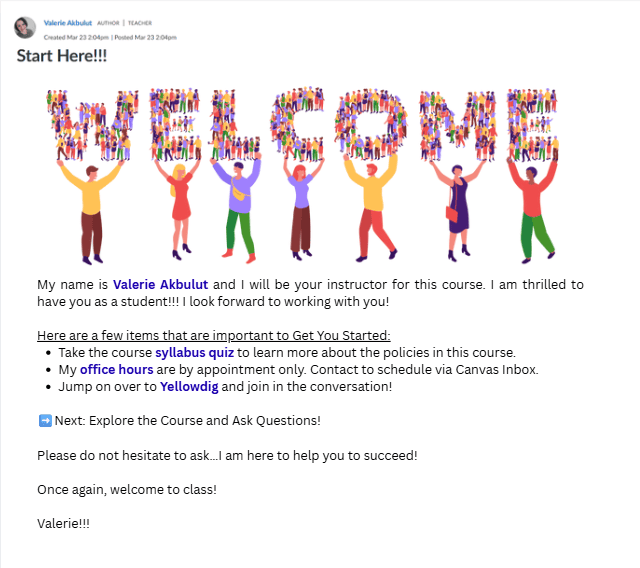
My name is first and last name and I will be your instructor for this course. I am thrilled to have you as a student!!!  I look forward to working with you!

Here are a few items that are important to Get You Started:

  • Take the course syllabus quiz to learn more about the policies in this course.
  • My office hours are insert days/times for office hours and how to access the link OR if by appointment only, specify the best way to make an appointment (ex: inbox message, course scheduler)
  • Jump on over to Yellowdig and join in the conversation! 


Next: Explore the Course and Ask Questions!

Please do not hesitate to ask…I am here to help you to succeed! 

Once again, welcome to class!

Insert your name & include an IMAGE.

BU Resource Center for Welcome Announcement Template.

Template 3: Create Your Own

➡️Use the following checklist when creating your welcome announcement. Be sure to include all the items listed below: 

✅ Key Components to Include

  • 📷 Image (Add a personal touch)

  • 🕒 Office Hours Info

    • Include the time/days

    • How to access (Zoom link, appointment method, etc.)

  • 📌 Syllabus Quiz Reminder

  • 📅 Live Sessions (If applicable)

    • Days/times

    • Which weeks (e.g., Weeks 1, 3, 5, 7)

    • Where to find Zoom links

  • 💬 Join Yellowdig Reminder

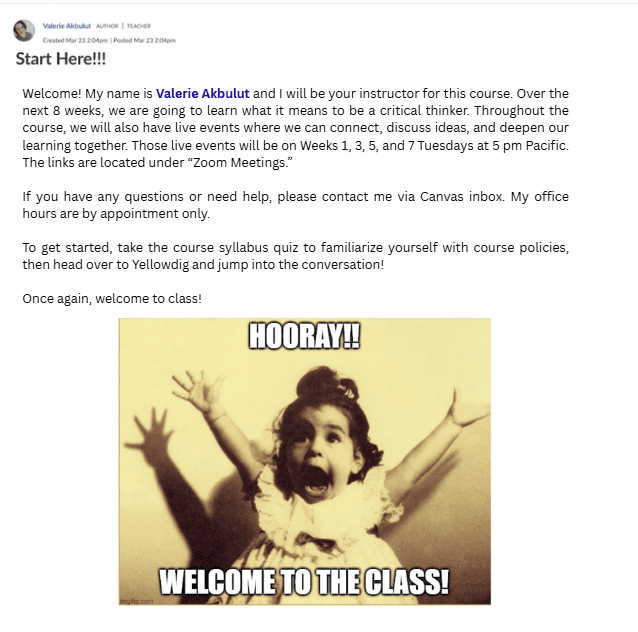
Valerie Akbulut Welcome Announcement for BU Resource Center.

Copyright 2025 | Bryan University | 350 West Washington Street, Tempe, AZ 85281

BRYAN UNIVERSITY LOGO SEAL

Copyright 2025 | Bryan University | 350 West Washington Street, Tempe, AZ 85281